Claude Code: My Favorite 10 Tips & Tricks
Article for Paid subscribers of AI Coding Daily.

I’ve been using Claude Code for a while, so here are my personal workflow improvements that I use the most, as of February 2026.
1. Export Your Conversations with /export
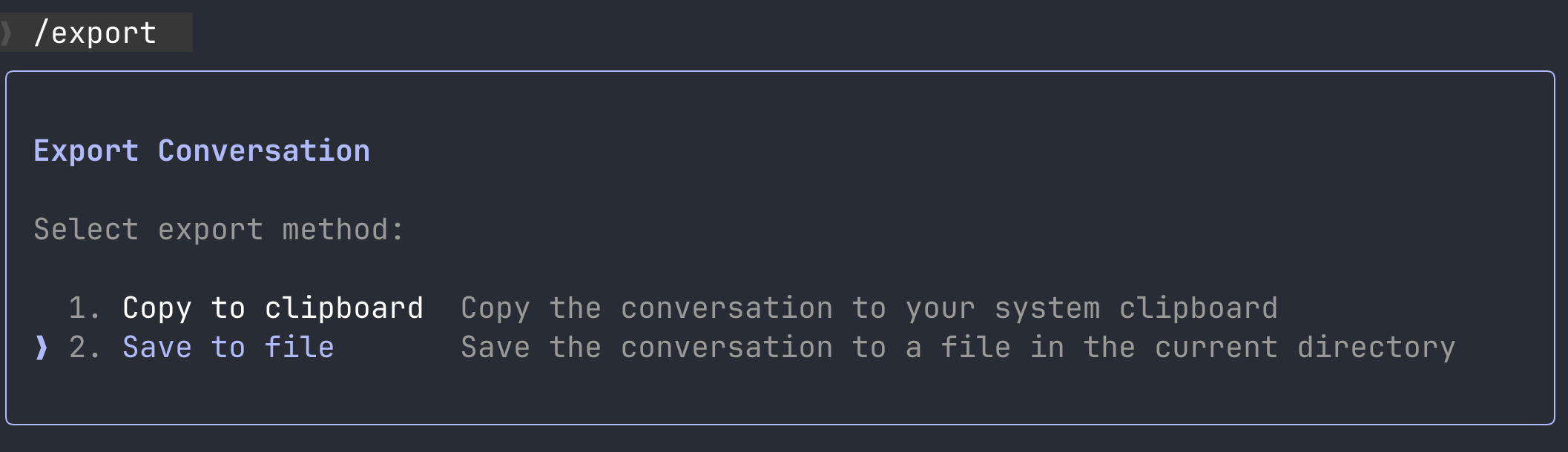
If you want to save the current conversation with Claude, to show it to colleagues or just read later for debugging purposes, Claude Code has a command for it.
The /export command lets you save your entire conversation to a file or to a clipboard.
2. Run Bash Commands Instantly with “!”
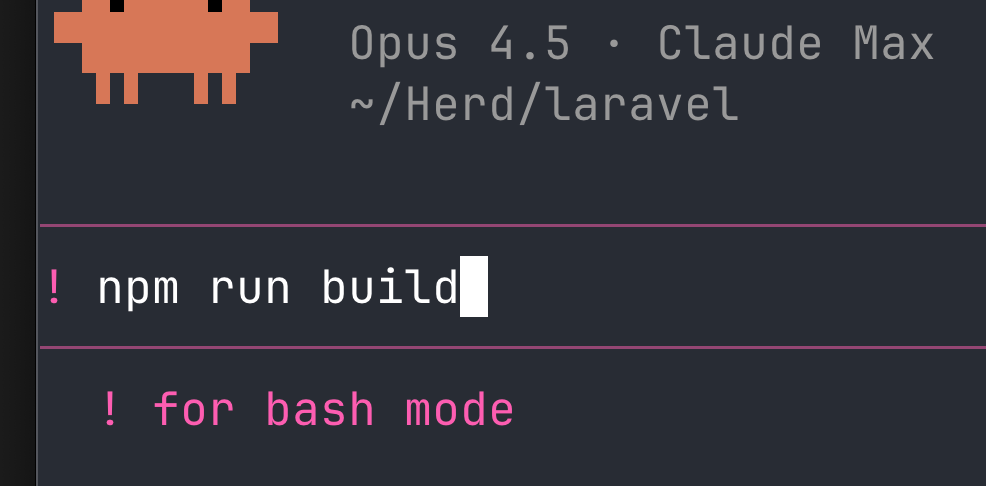
If you are in Claude and you need to run a command like npm run build, don’t exit Claude and don’t open another Terminal tab/window.
Type ! and enter the command to run it directly in your shell without Claude interpreting it.